Best gaming PC under $1000 build 2025

Built & Tested By Our Team

WePC experts that worked on this build

Last Updated:
WePC’s mission is to be the most trusted site in tech. Everyone in the WePC team is a dedicated tech-head and gamer, and we put every product we review through a rigorous testing process before recommending anything. Our editorial content is 100% independent and our hands-on reviews tell you what we think, not what the manufacturers would like you to know. Read more
WePC Editors Choice Badge
Our $1000 Custom Gaming PC
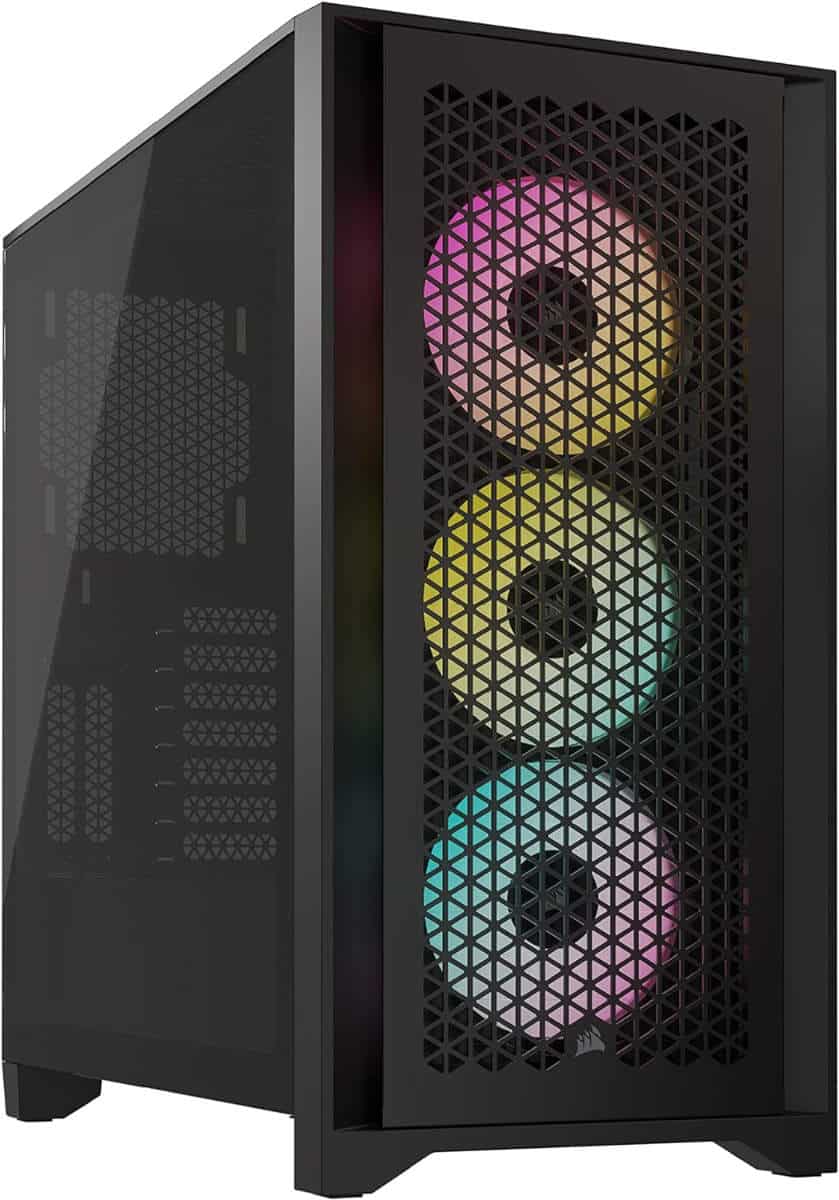
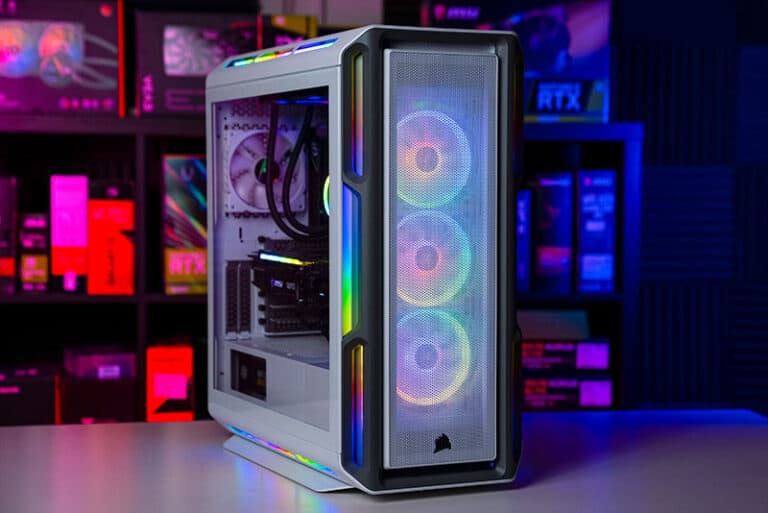
Corsair iCUE 4000D RGB
Order This Custom PC On Amazon
Our Prebuilt Gaming PC Recommendation

WePC is reader-supported. When you buy through links on our site, we may earn an affiliate commission. Learn more

Table of Contents

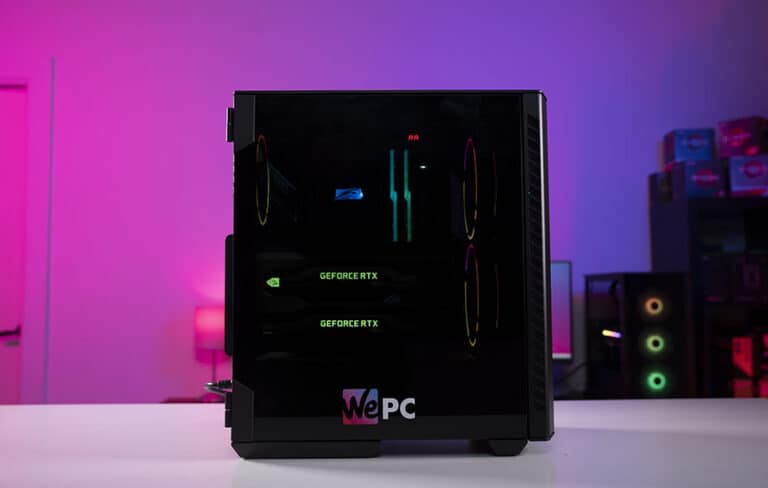
The best gaming PC for under $1000 is the perfect place to start for anyone new to the hobby. This budget gives you the ability to play any game in max settings at 1080p. While there is room for some 1440p  performance, this build is considered perfect for 1080p.

The great thing about this 1000-dollar build is that it features some of the latest components available, with the AMD AM5 platform at the center. While the CPU featured is a more affordable Ryzen 5, it is considered one of the best for gaming. Paired with the powerful AMD RX 9060 XT, DDR5 RAM, and ample storage, we believe this is one of the best all-around builds for around the 1000-dollar mark. Please note that prices of the hardware do fluctuate daily, and our team works tirelessly to try and ensure the price is as close to $1,000 as possible.

How we test

We build our office PCs from scratch to make sure everything works well together and fits comfortably into the recommended case. If you’re ever unsure of compatibility, there are multiple PC builder tools available online. Once built, our custom-built PCs are used in the office every single working day. We also get a good amount of testing in for games, from light to heavy-duty. In the process of testing, we also conduct some benchmarking tests to see how well our builds perform, all while keeping an eye on component temperature and the general stability of the system.

The WePC experts that worked on this build

Custom Build Specialist
Team Shaun

Shaun is a gaming enthusiast and computer science graduate who has been working with computers for the last 15 years. He took a shine to competitive FPS back in the mid-2000s and hasn’t looked back since.

Prebuilt gaming PC under $1000

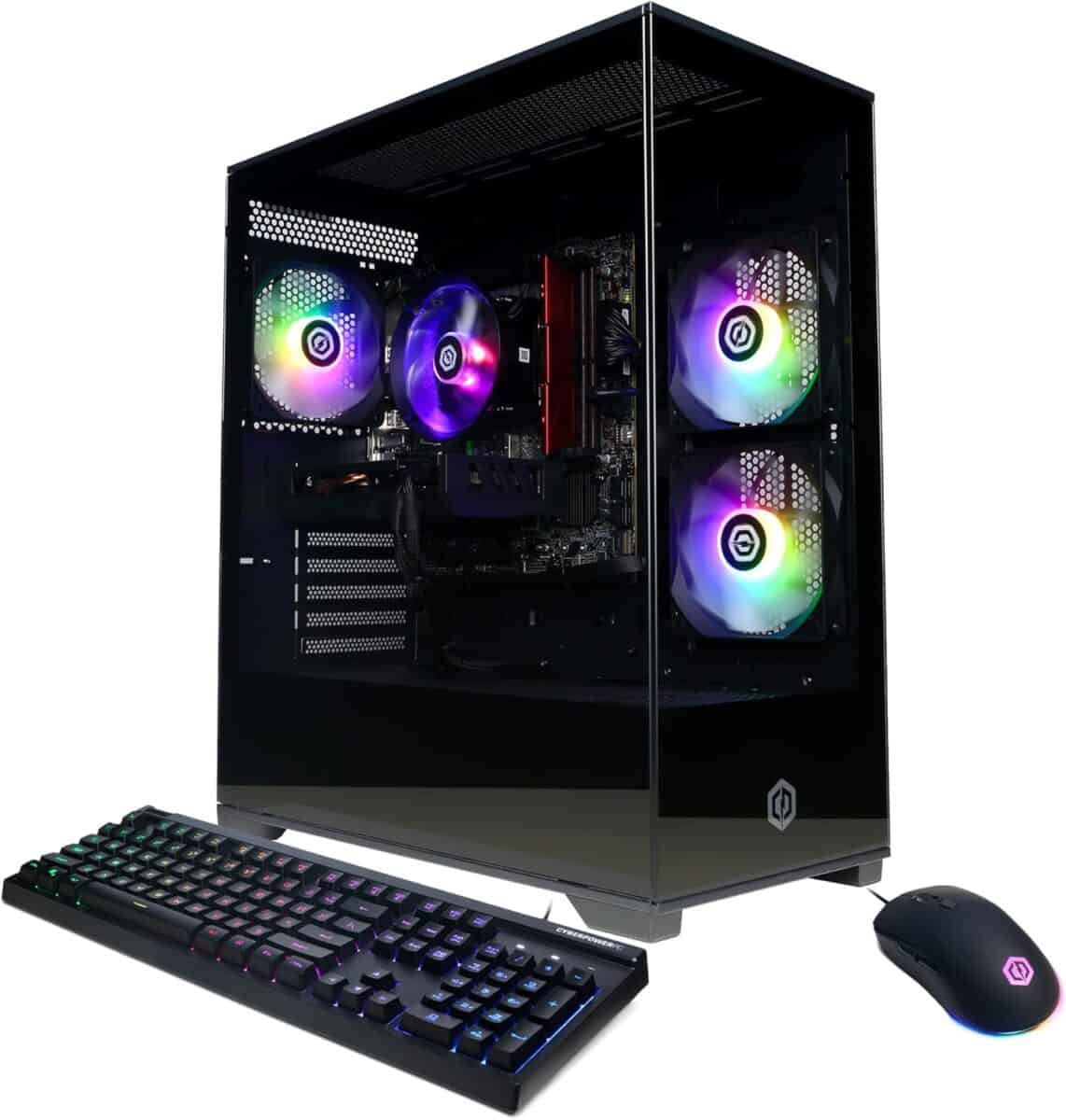
Not everyone is fond of building their own PCs; this is where the prebuilt gaming PC comes in. Whether you can’t find the time, worry about breaking your new components, or just want to take advantage of those company warranties, a prebuilt can be a good option. Our recommendation for the best-prebuilt gaming PCs under $1000 offers great value for money.

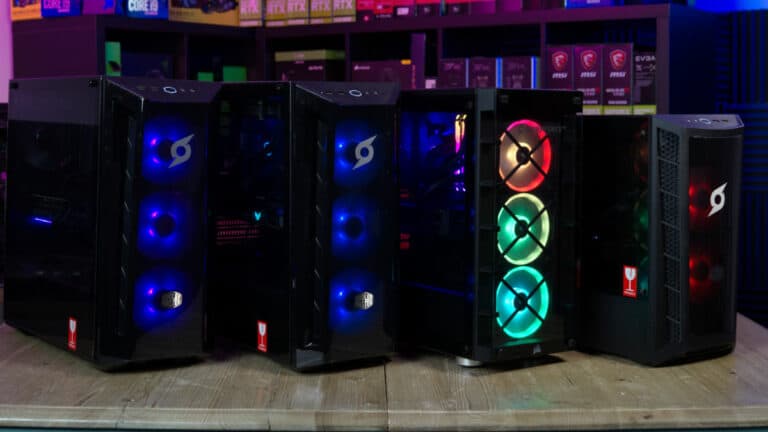
As it stands, this prebuilt with an RTX 5060 is going to give you some reasonable in-game results for the price, although it does not offer the same in terms of value as our recommended build.

PC Parts List

Now let’s break down the individual components that make up this $1000 gaming PC. We will run through the main specifications and reasons for choosing each part.

Corsair iCUE 4000D RGB

Our $1000 Custom Gaming PC

The best gaming PC for under $1000 has moved into the next generation. This is an excellent example of solid gaming capability at an affordable price. With this $1000 build, we are able to squeeze in the AM5 platform, DDR5 RAM, high-end graphics, wifi, and future upgradability.


Order This Custom Gaming PC Build
61RfWUr4kvL. AC SX679

AMD Ryzen 5 9600X

Core configuration

6

Threads

12

Base core speed

3.9 GHz

Boost core speed

5.4 GHz

DDR5 support

Yes @ 5600 MT/s

TDP / PPT

65W (105 boosted) / 88W (142W boosted)

61RfWUr4kvL. AC SX679

AMD Ryzen 5 9600X

Core configuration

6

Threads

12

Base core speed

3.9 GHz

Boost core speed

5.4 GHz

DDR5 support

Yes @ 5600 MT/s

TDP / PPT

65W (105 boosted) / 88W (142W boosted)

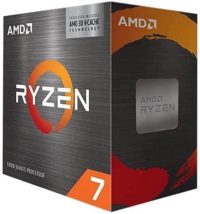
We are trying to keep the price of this build as close to the $1000 mark as possible while also including the latest generation components possible. We have now managed to include the AM5 platform and with it the well-regarded AMD Ryzen 5 9600X. Arguably one of the best CPUs for gaming, featuring 6 cores, 12 threads, and a boost clock speed of up to 5.9GHz.

We have opted for the Gigabyte B650 Wifi motherboard, a budget-friendly motherboard that works well with the Ryzen 5 9600X. This compatible motherboard offers more than enough features for gaming, and you can easily upgrade your CPU in the future.


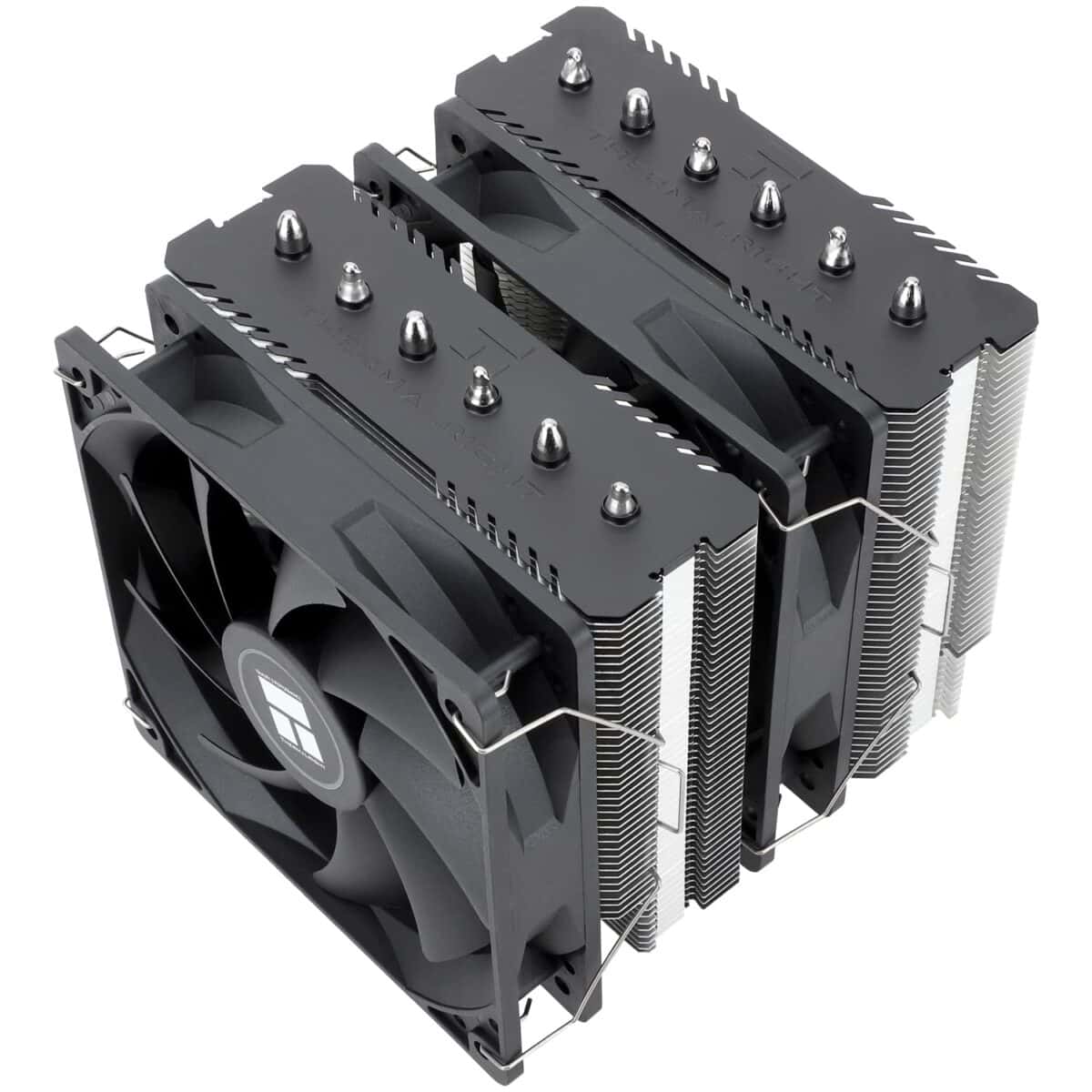
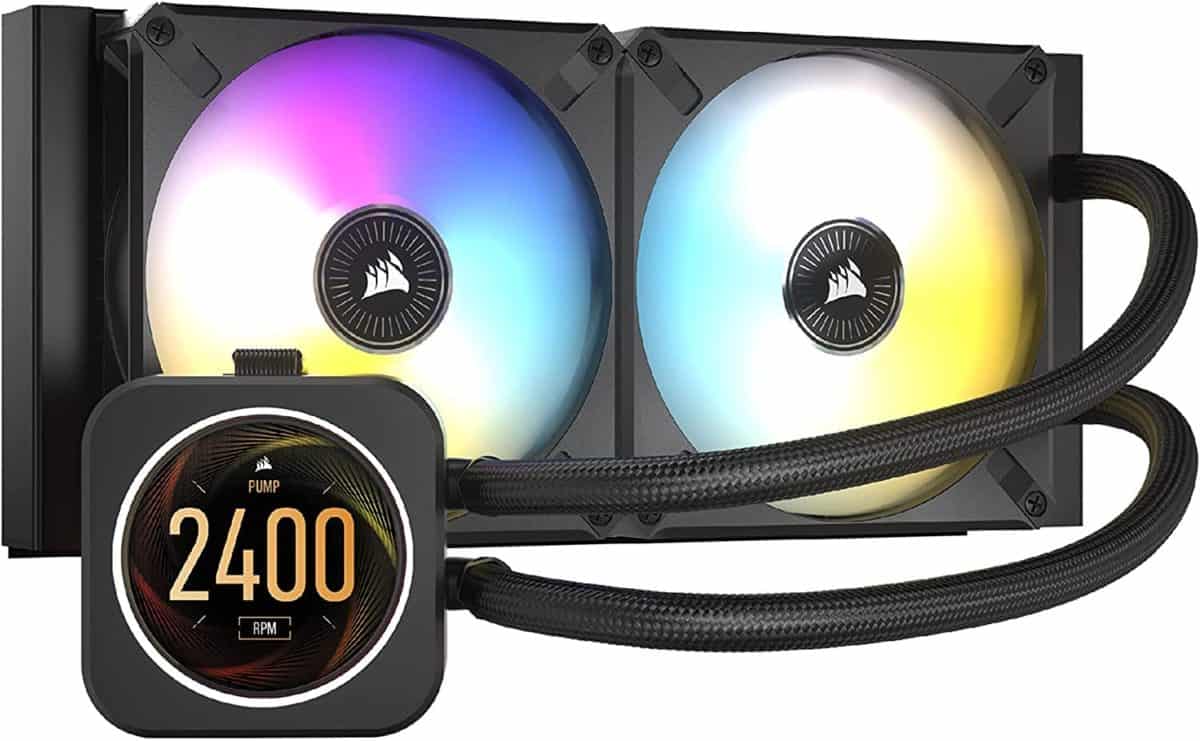
As the Ryzen 5 9600X doesn’t have a stock cooler, we selected this highly recommended air cooler. This CPU cooler will easily handle the heat output, is well priced, and easy to install.

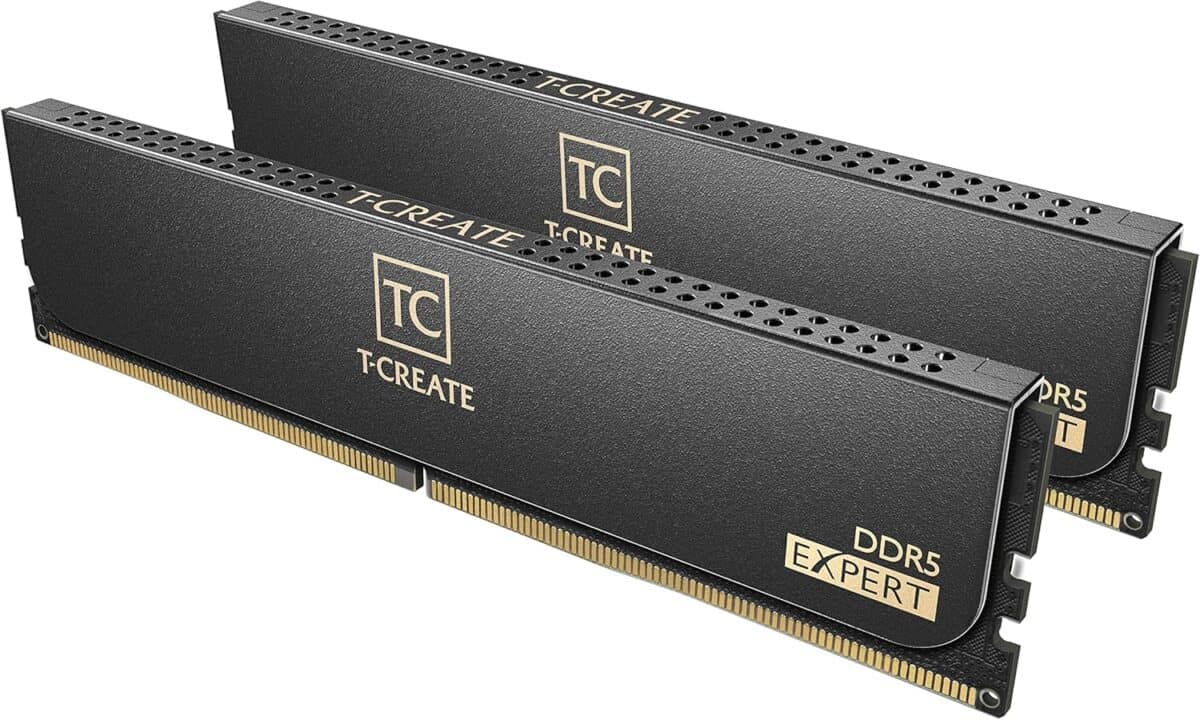
A powerful gaming PC needs a fast, reliable memory kit. This is one of the best DDR5 RAM kits from TeamGroup, with a 32GB capacity and speeds of 6000MHz. The performance of this RAM kit has been proven to enhance the PC’s gaming potential.

The RX 9060 XT graphics card hails from AMD’s most recent series, offering exceptional performance in for a great price. With some optimizing and graphical tweaks, there is some room for solid 1440p gaming, although this GPU is at its best in 1080p. This GPU will enable you to play any modern title, while also providing those who love esports with high FPS counts for high refresh rate monitors.

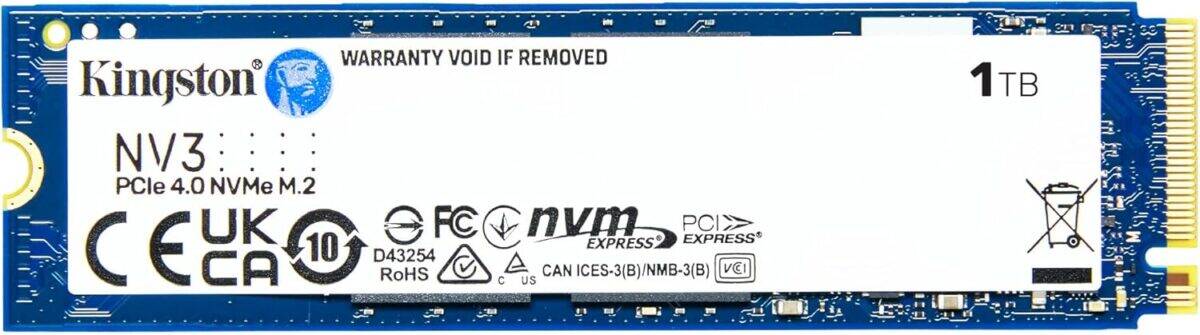
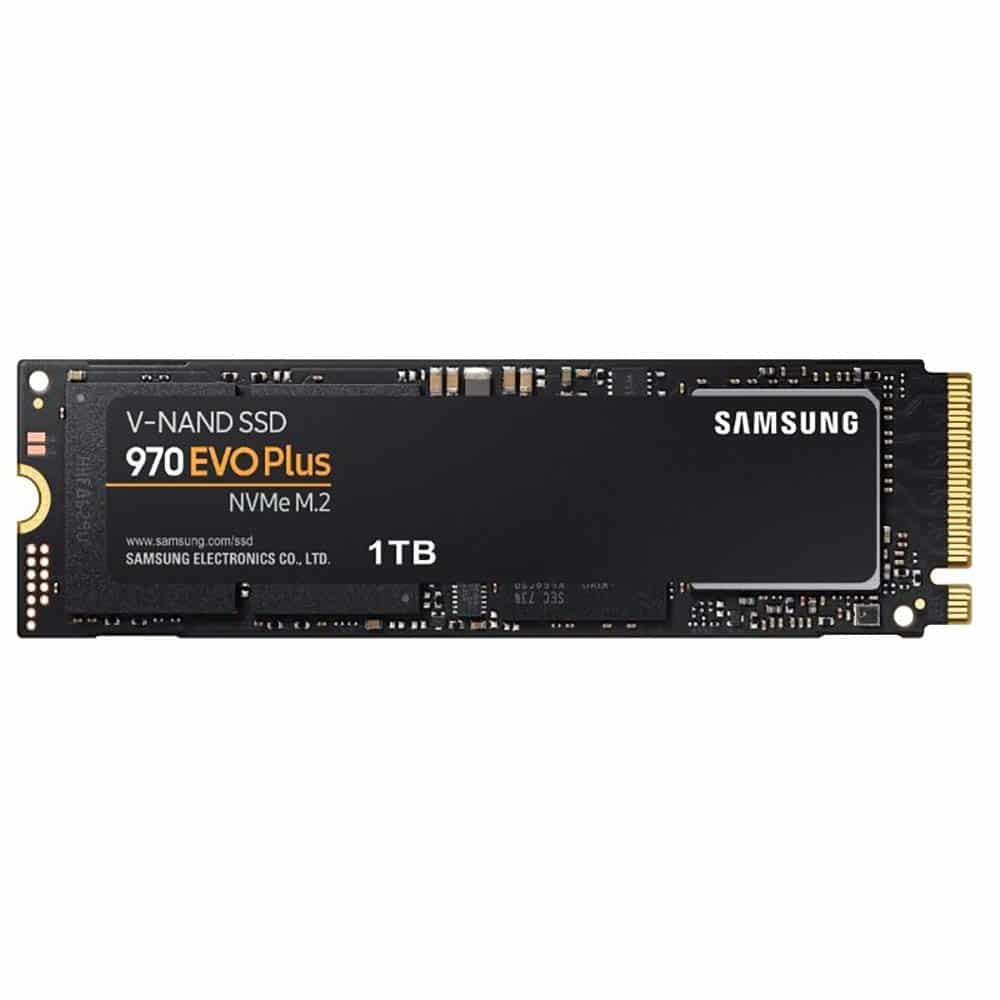
An SSD is crucial for gaming, with the added benefit of snappy boot times. This 1TB NVMe SSD is renowned for being extremely reliable, meaning you won’t be worrying about a failed drive anytime soon. Furthermore, the size is more than enough to store Windows and a few larger games.

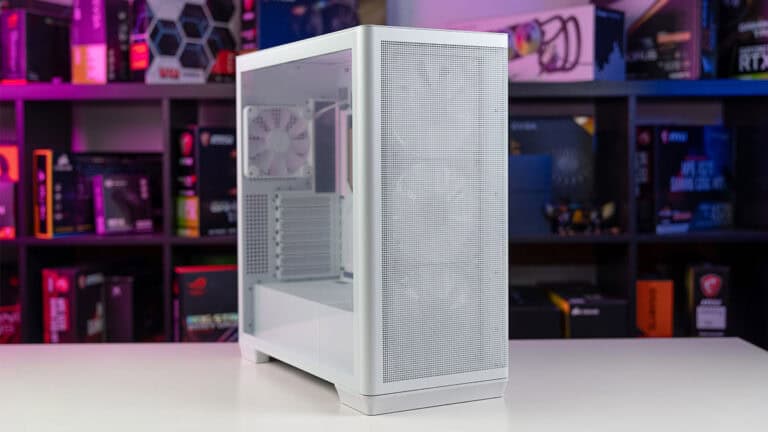
Montech AIR 903 MAX

Montech AIR 903 MAX

Type

Mid-tower

Dimensions

478*230*493 (mm)

Motherboard Support

E-ATX, ATX, mATX, Mini-ITX

Included Fans

3X 140mm ARGB PWM & 1x 140mm PWM

Montech AIR 903 MAX

Montech AIR 903 MAX

Type

Mid-tower

Dimensions

478*230*493 (mm)

Motherboard Support

E-ATX, ATX, mATX, Mini-ITX

Included Fans

3X 140mm ARGB PWM & 1x 140mm PWM

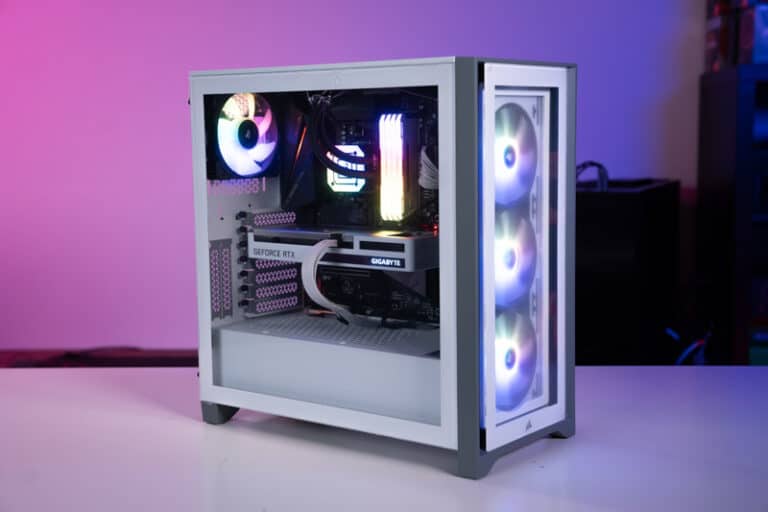
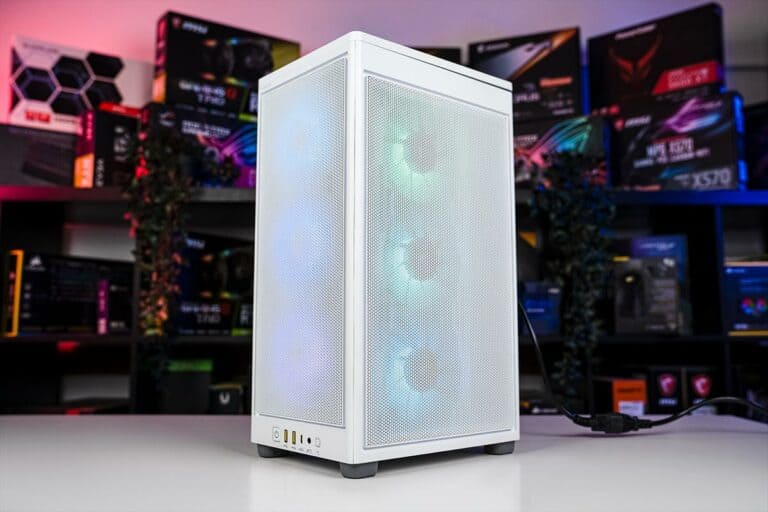
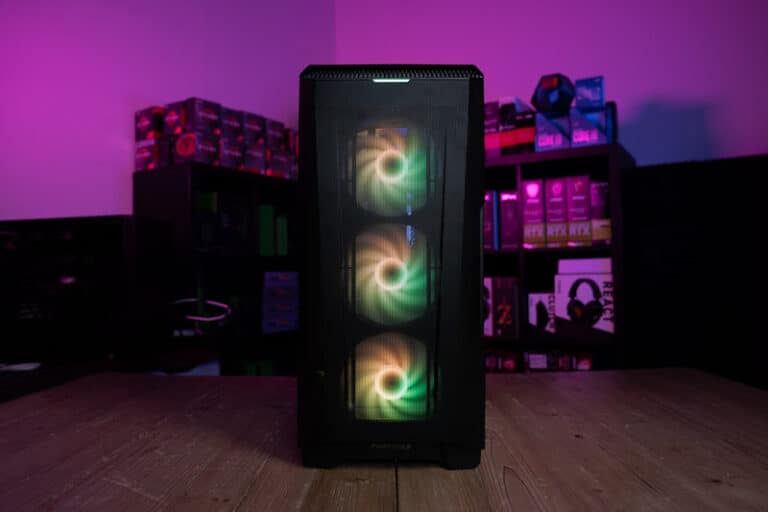
Montech’s AIR 903 case is one of the best sub-$100 options out there. There is no compromising with this case; it is ready to go straight out of the box, with pre-installed RGB fans for excellent airflow and no extra effort.

Now, you are going to need a reliable PSU to power $1000 gaming PC, that’s exactly where the MSI A650BN comes in. Aside from being a brand you can trust, this PSU can put out 650W with a bronze efficiency rating and is built to last.

Corsair iCUE 4000D RGB

Our $1000 Custom Gaming PC

Things To Consider

What you get for your $1000

We know the budget in this case is around $1000, but it is still important to make sure it’s the right budget for your gaming needs. For the hardcore gamers out there, it could be worth considering the next step up to truly enhance your overall gaming experience in those AAA games. It is worth mentioning that at the $1000 mark, you’re getting an excellent price for performance and great value for your hard-earned cash. 

At this price point, there is a little bit more planning required to get the absolute best experience out of the system. That being said, you are still going to get a high-end gaming PC for your $1000. AMD’s RXS 960 XT brings high-end graphics into this system for a very affordable price. This is a highly capable GPU that will allow you to play any game in max settings when in 1080p.

You could easily go for AMD or Intel CPUs in this build; however, AMD’s 9000-series still offers excellent price-to-performance. With this build, you are getting a 1TB NVMe SSD, which is more than enough to store your operating system and games. This SSD will not only give you quicker boot times, but it will also improve the gaming performance. While we are talking about performance, it is important to mention the 32GB RAM kit in this build too. A high-capacity memory kit is essential, and while this kit only features a clock speed of 6000MHz, it will still increase your gaming performance and serve you well for years.

How to upgrade your $1000 gaming PC

There are an infinite number of possibilities when it comes to upgrading PCs, you can usually find a better part than what you currently have, and even if you have the best of the best, there will be more parts out in a year or so. 

As this build sits on the AM5 platform already, your upgrade options are simply for more graphics and processing power. You can now purchase any Ryzen 9000 CPU and plug it straight into this motherboard. The same goes for GPUs too, so if you are considering getting a 5070 TI and above, go ahead, it will be compatible with this build. 

Overclocking on a $1000 budget

This $1000 gaming PC may not feature the same level of components you would see from the $2000 gaming PC, but it is still high-end and features plenty of room for overclocking. Squeezing extra power out of your PC becomes a bit more important for some, especially when the budget is tight. With that in mind, we have selected products we know can handle overclocking.

Both processors are ‘unlocked’ and ready to roll with a clock boost if you need a little more performance. To back up the CPUs, we have selected motherboards that can handle such tweaks. It is also worth noting that you will need to XMP overclock your RAM to get it running at its advertised speed of 6000MHz. This can be done in the BIOS, most manufacturers have simplified the process, and it takes less than a few clicks to apply the standard XMP profile.

Upgrade options

At the $1000 mark, there is always going to be room for upgrades. While this gaming PC performs brilliantly, there is nothing wrong with boosting the build to further future-proof it for the years ahead. Below we have outlined some upgrades to take this build to the next level.

We’ve tried to keep these upgrade components within the realm of a $1000 build without straying into the $1500 or $2000 build marks, hence why you’re not seeing any AM5 here, despite that being the wise choice when upgrading this $1000 gaming PC build. 

Note: These upgrades will raise the price of the build and push it over the $1000 mark, but if you have some cash to spare, these will make great additions.

At the $1000 mark, there is always going to be room for upgrades. While this gaming PC performs brilliantly, there is nothing wrong with boosting the build to further future-proof it for the years ahead. Below we have outlined some upgrades to take this build to the next level.

We’ve tried to keep these upgrade components within the realm of a $1000 build without straying into the $1500 or $2000 build marks, hence why you’re not seeing any AM5 here, despite that being the wise choice when upgrading this $1000 gaming PC build. 

Note: These upgrades will raise the price of the build and push it over the $1000 mark, but if you have some cash to spare, these will make great additions.

Operating System & Peripherals

Now, ideally, you’ll already have a pre-existing OS and peripherals to transfer over from your old machine to your new one. But, in case you don’t, we’ve included this section on peripherals for this 1k rig.

Note: These will raise the price of the build!

No items found.

Building Tips

This $1000 rig might be nice, but the act of physically placing the components together is just as important as carefully choosing the right components.

For first-time builders, it is important to be aware of the common mistakes that newbies make. It’s also not unusual to have some questions about PC building common, so don’t feel silly for needing the extra help.

FAQs

Should you consider newer generation parts?

When it comes to the newer generations, there comes a higher cost with this new hardware. AMD’s platform of AM5 has inflated costs with DDR5 only that is yet to come down. Whilst Intel or GPU’s newer hardware is more expensive overall with the improvements they bring. So there is nothing wrong with looking back to get some parts.

Is it better to build a gaming PC for $1000?

The choice between build and buy has been one that many have asked for a long time. The main points to consider are whether or not you’re comfortable building a PC, and whether or not you can be bothered. 

There are more advantages to getting a prebuilt, mainly the fact that you don’t have to build the PC, and it usually comes with a warranty of some kind. On the flip side, building a PC yourself will save you some money, because you don’t have to pay for labor putting your PC together. 

Closing Thoughts

This $1000 PC is one you don’t want to miss out on. We have designed this PC to offer an excellent price-to-performance and value for money. You certainly won’t find a pre-built one out there for the same price that offers the same performance. The Ryzen 5 9600X and the RX 9060 XT offer a fantastic pairing with no bottleneck. You now have a PC with the ability to play practically any game in high settings. This rig supports both VR gaming and has all the future-proofing you’ll need. 

Related Custom PC Builds

Share this article